3.1.) Find MySQL Database"
- Scroll to the Database section and select "MySQL Database"

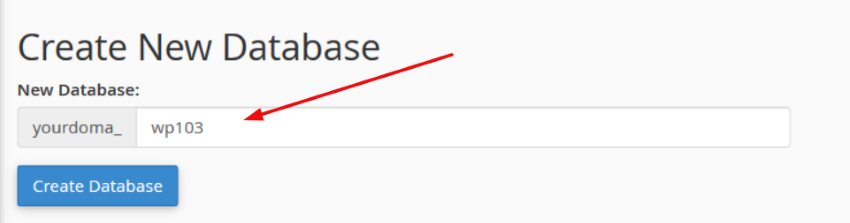
3.2.) Generate new database
- Under "New Database" specify your database name for illustration "wp103"
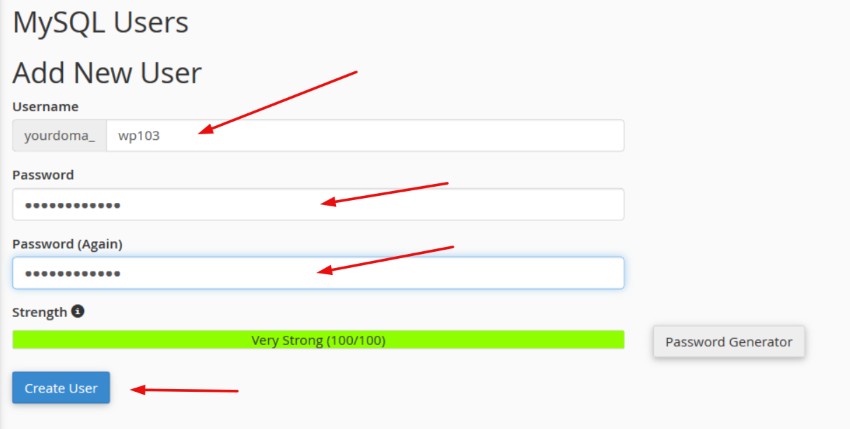
3.3.) Create a new user for the database
- Under "Add new user" specify your username and password.
- Then click "Create"
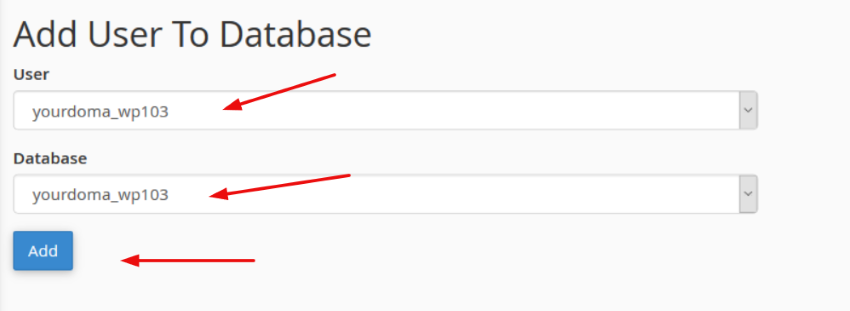
3.4.) Link user and database
- Select your username and database from the provided drop-down lists and click on "Add"
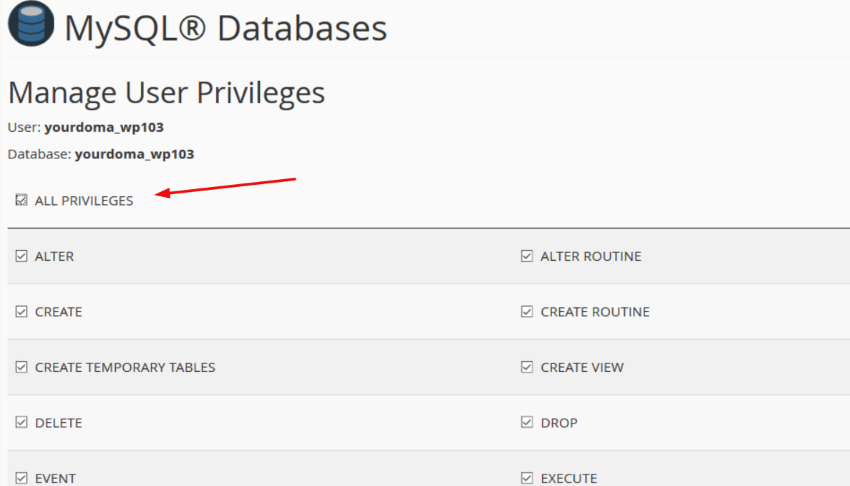
3.5.) Setting privileges
- Click "All privileges" and "Make changes"