5.1.) Select "phpMyAdmin"
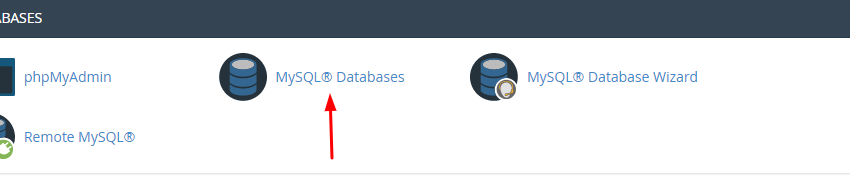
In the cPanel scroll to the "Database" section and select "phpMyAdmin"
5.2.) Upload database
- Click on the database you created in phase 3.
- Select "Import" on the top of your screen
- Now click "Choose File" and choose the database you exported in phase 2
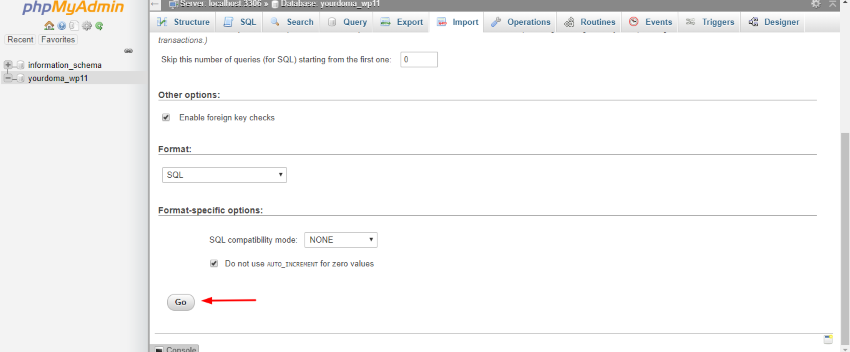
- As a last step select "Go"